See every part of it working
Not a slideshow. Each one is filmed in the real app, with the clicking and the typing on screen, and written out step by step underneath.
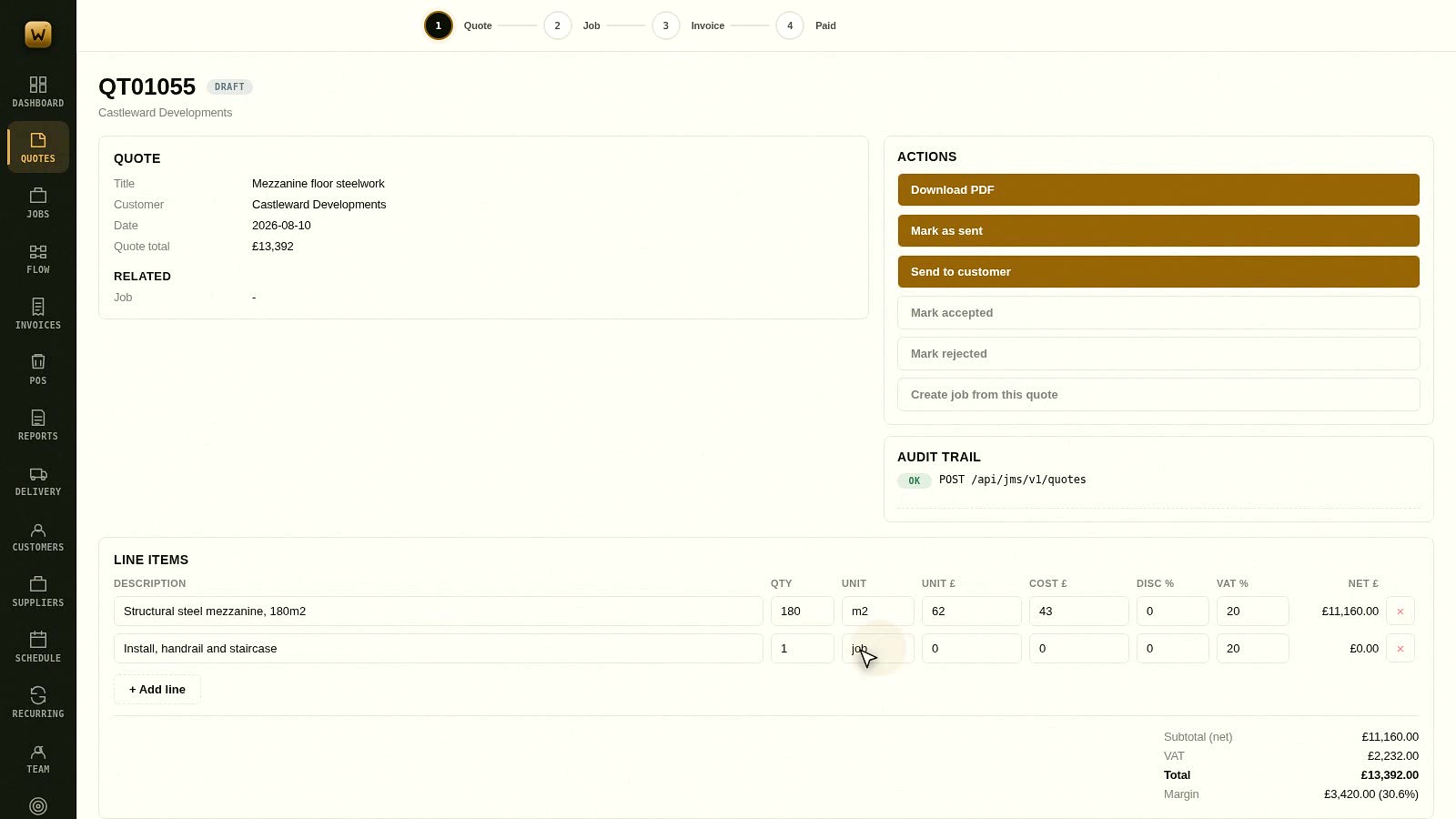
How to build and send a quote
Pricing a job properly, adding stage payments so you are not funding the work yourself, and turning a won quote into a…
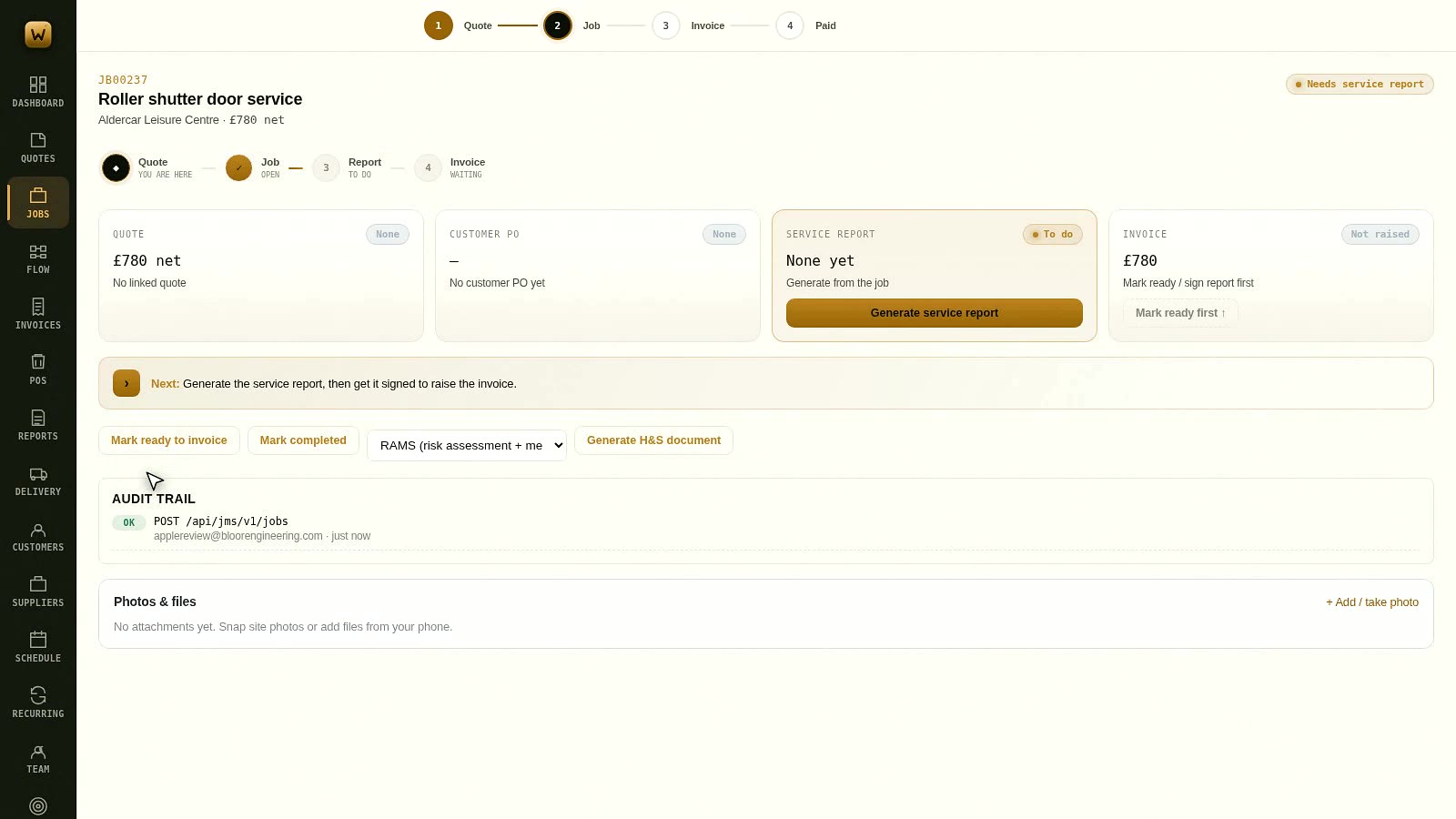
How to run a job from start to finish
Raising a job, keeping the paperwork attached to it, and closing it out so it moves itself into the invoicing queue in…
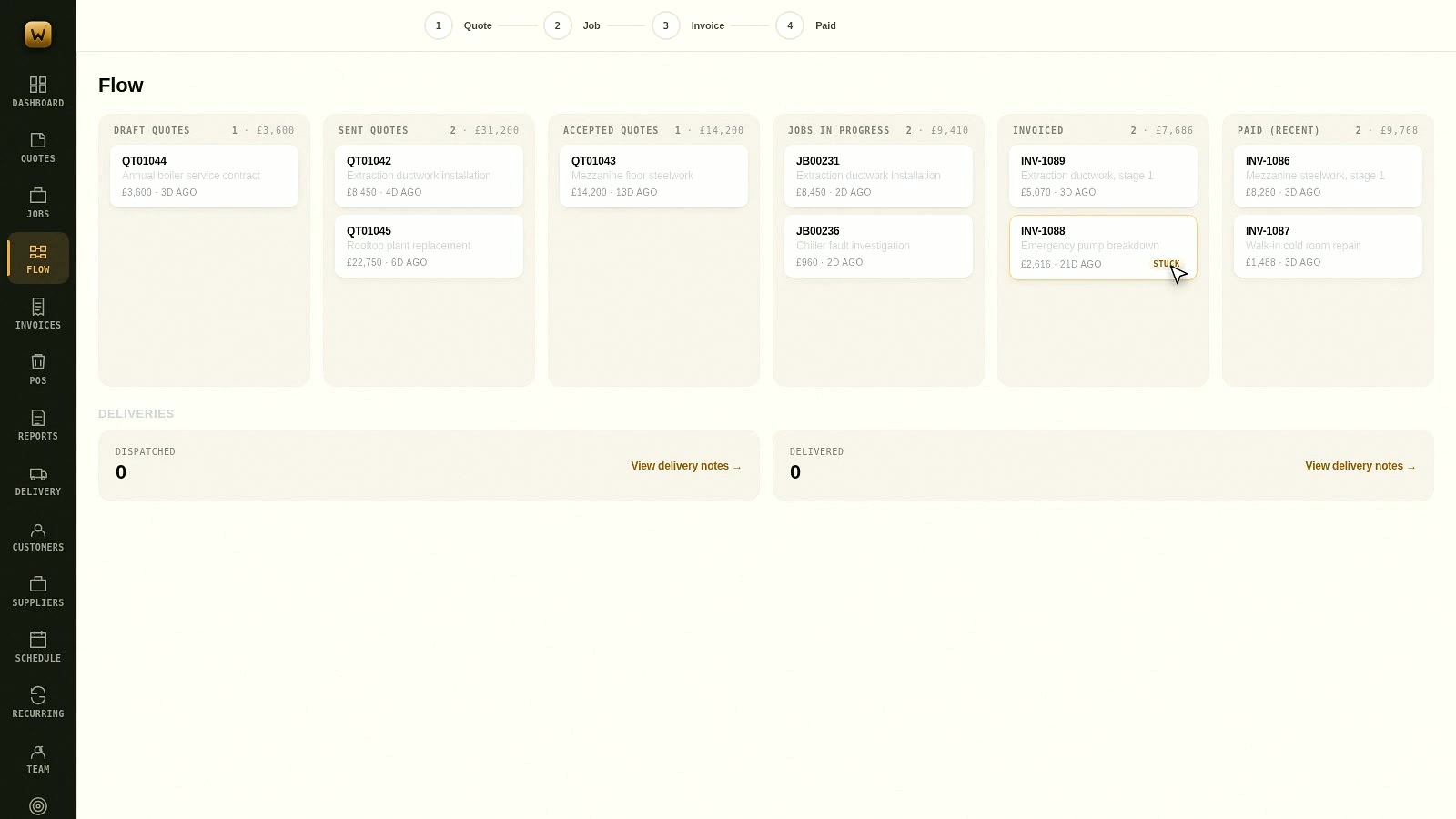
Reading the board
Every live pound in the business on one screen, from a quote you have not sent to money in the bank, with anything tha…
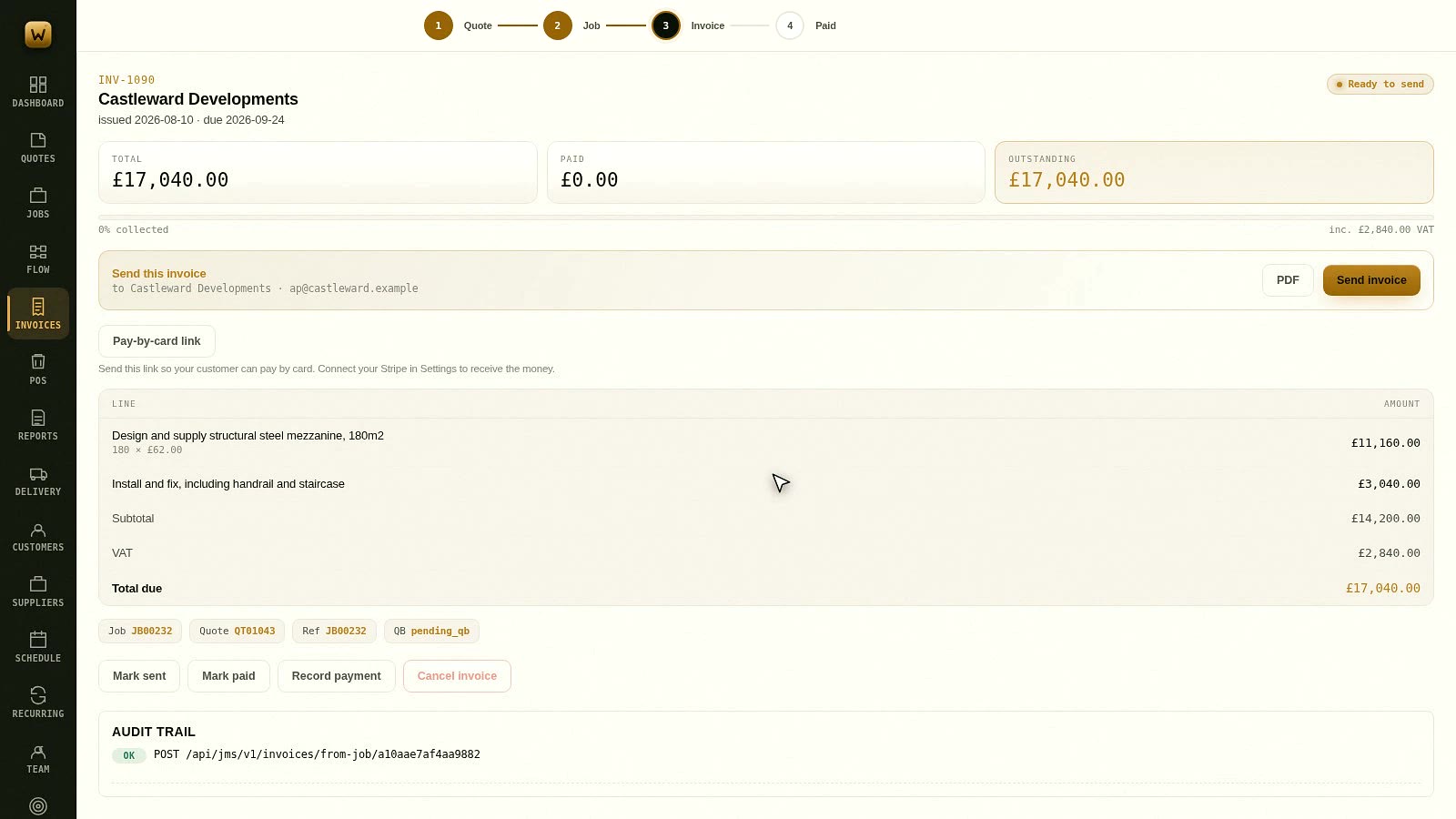
Raising and getting paid on an invoice
Raising an invoice off work you have already done, sending it, taking card payment, and recording the money when it la…
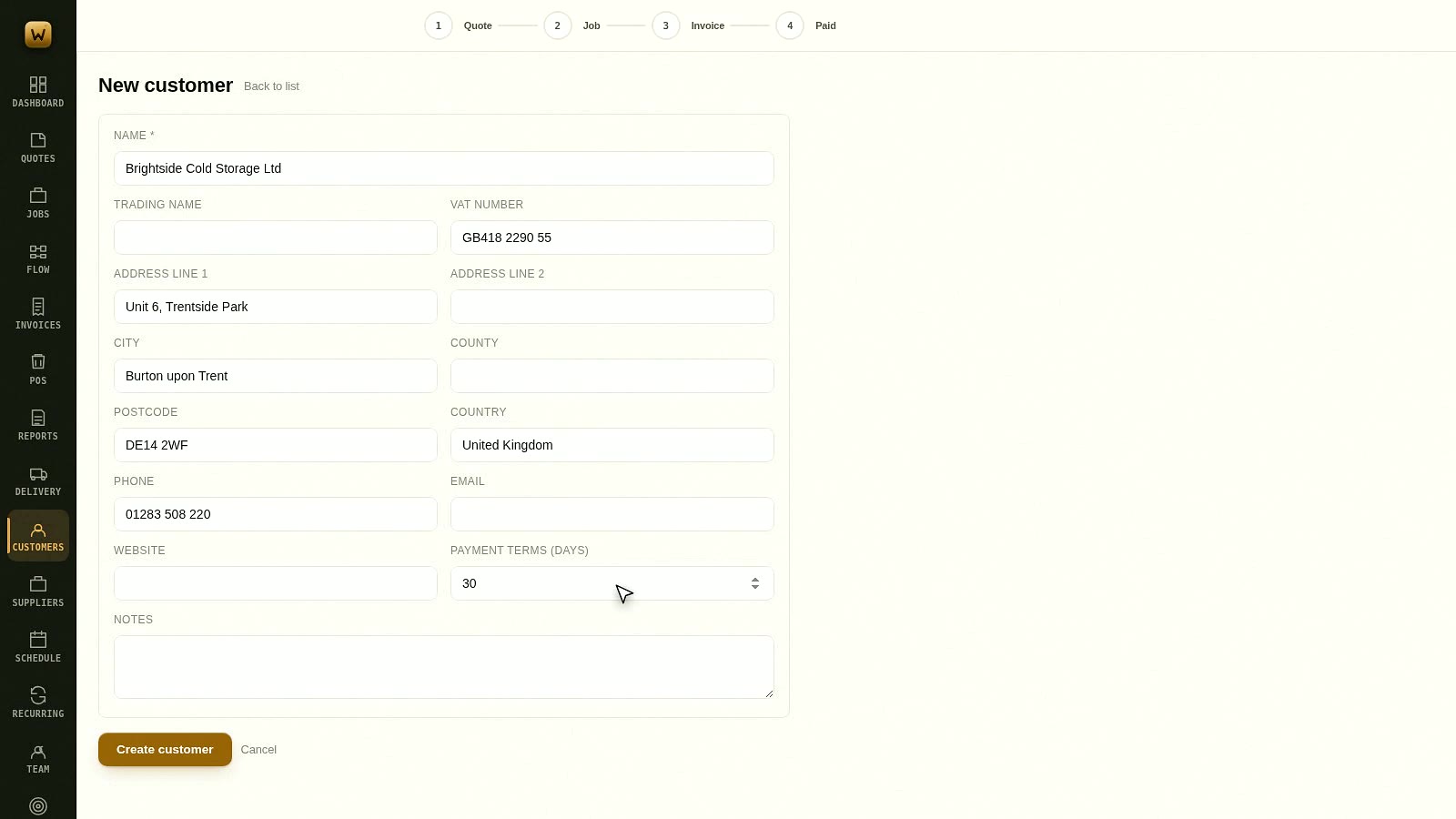
Setting a customer up properly
The customer record is what everything else reads from. Getting the address, the terms and the contacts right once sav…
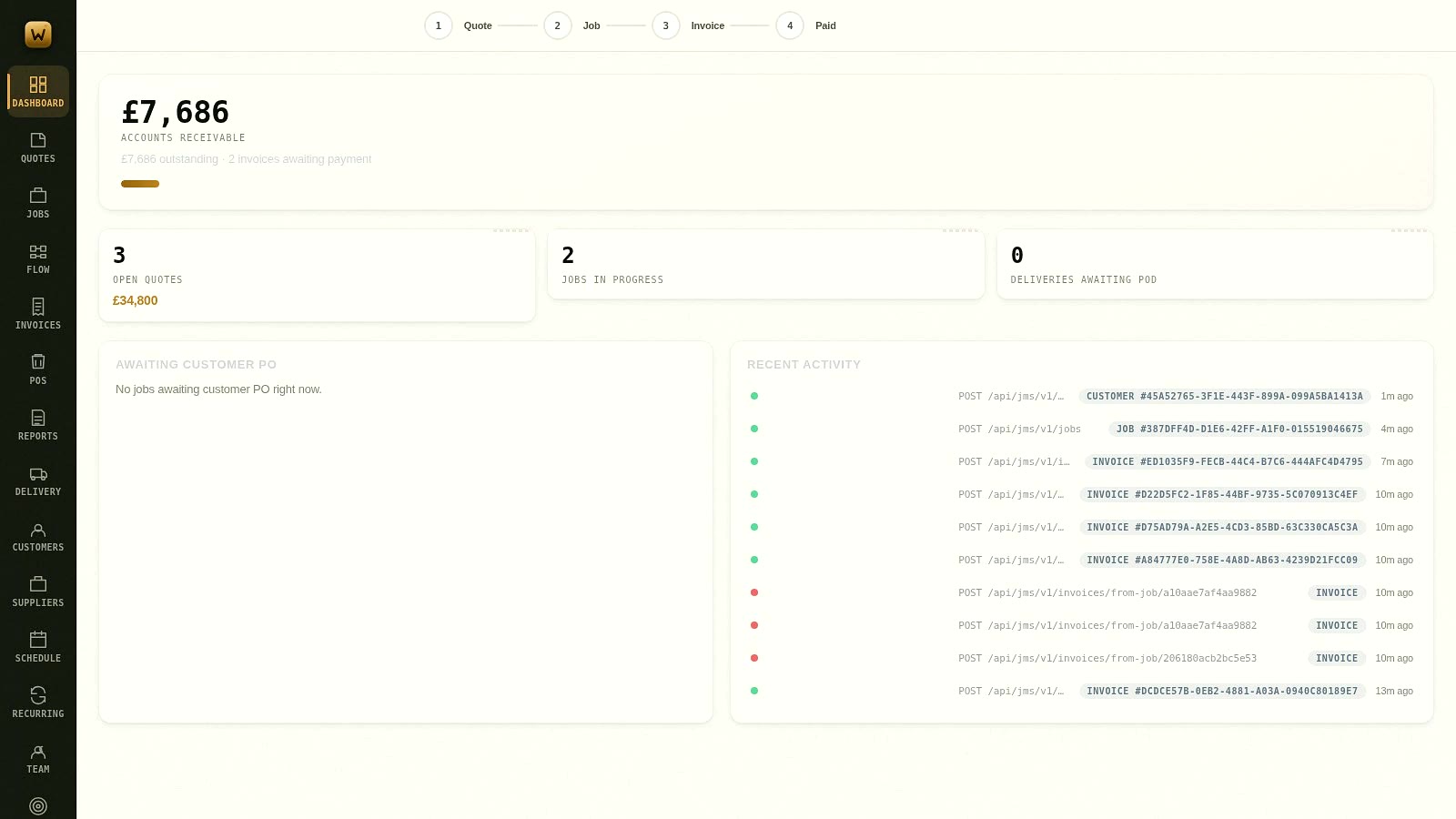
What the dashboard is telling you
One screen that answers what the state of the business is this morning: what you are owed, how much is late, and what …
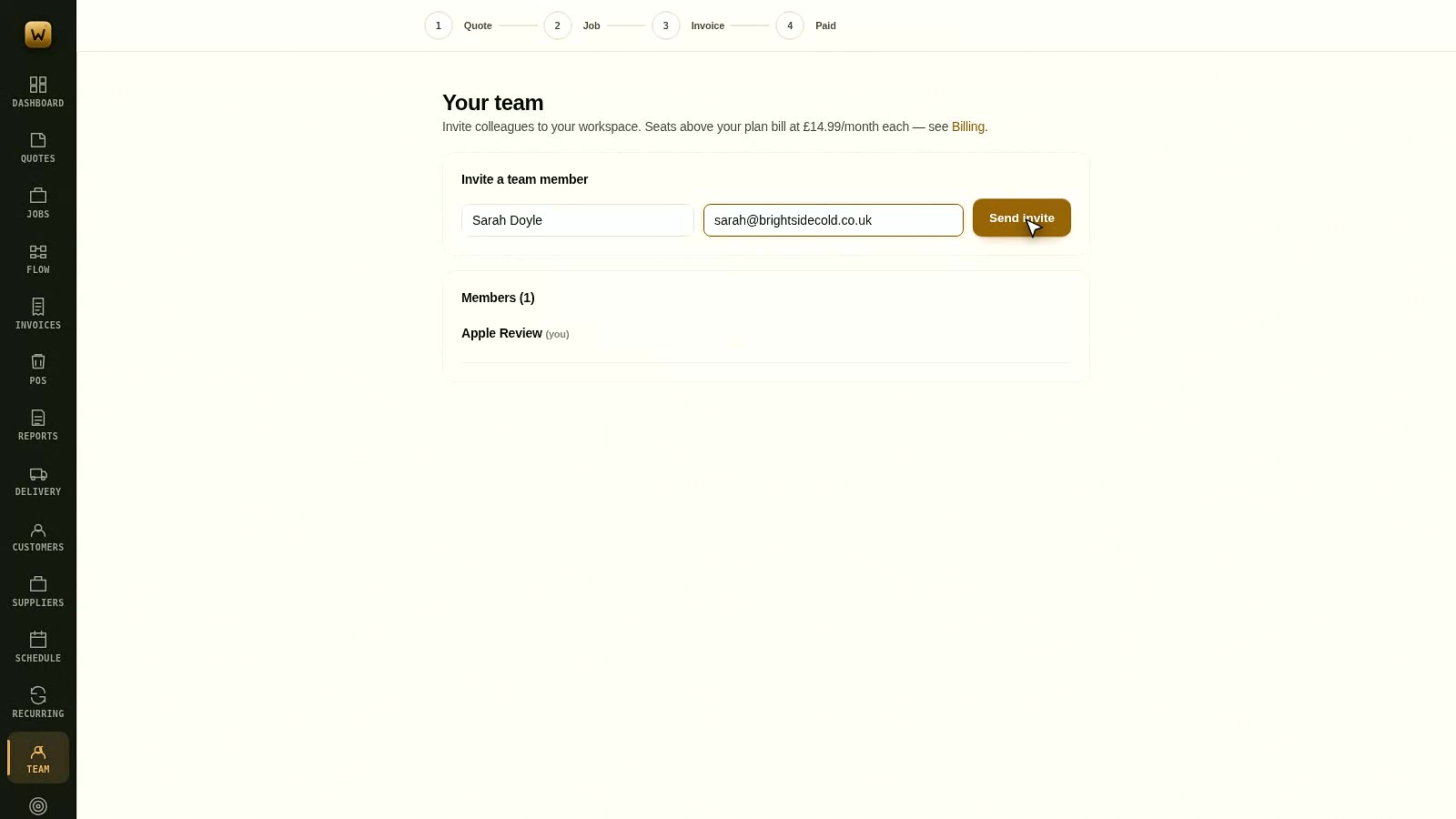
Adding your team
Worklot is one flat price with unlimited users, so there is no reason for anyone to be sharing a login.
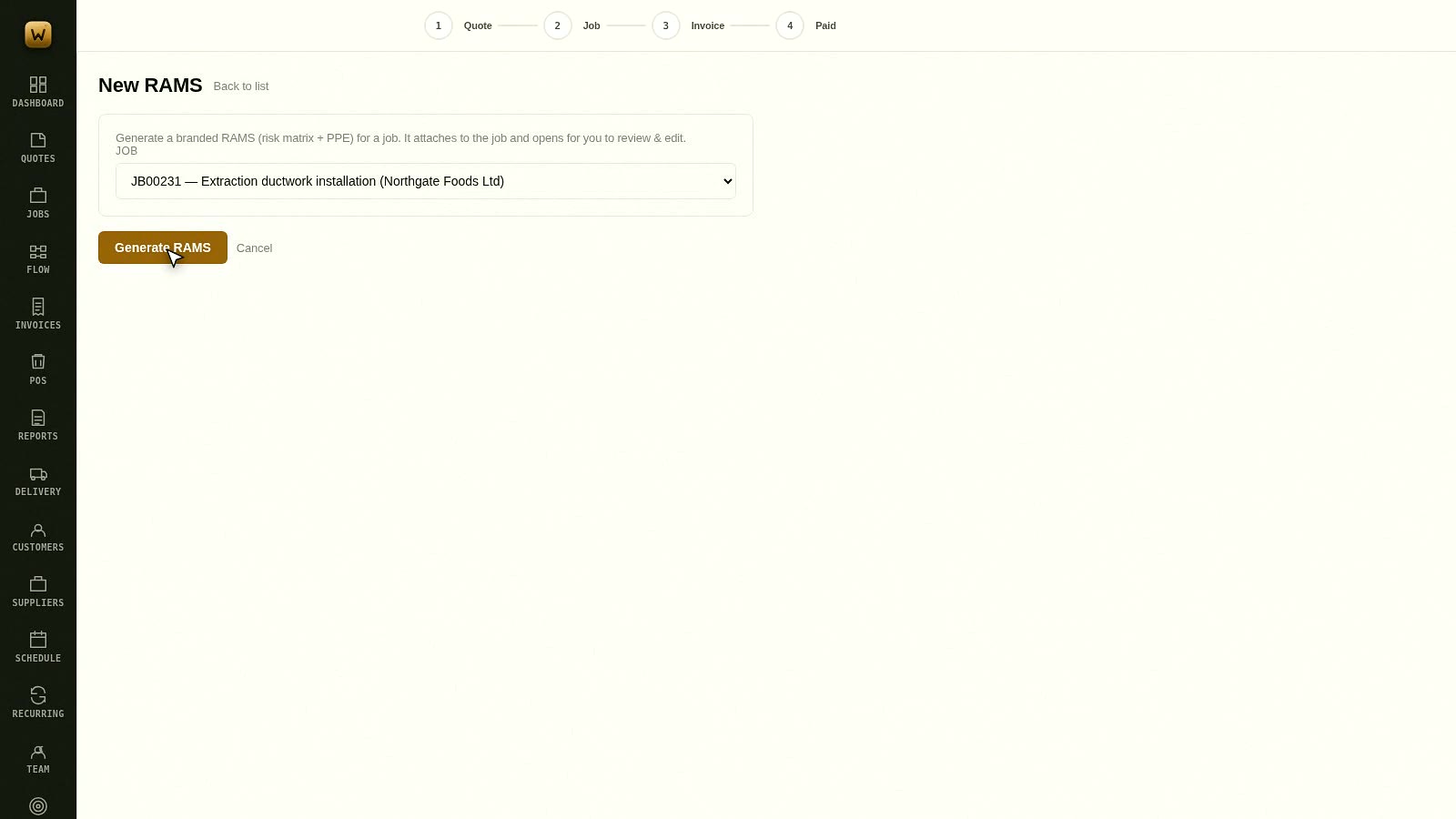
Generating RAMS from a job
Risk assessments and method statements built from the job already on the system, in exclusive partnership with RAMSRea…
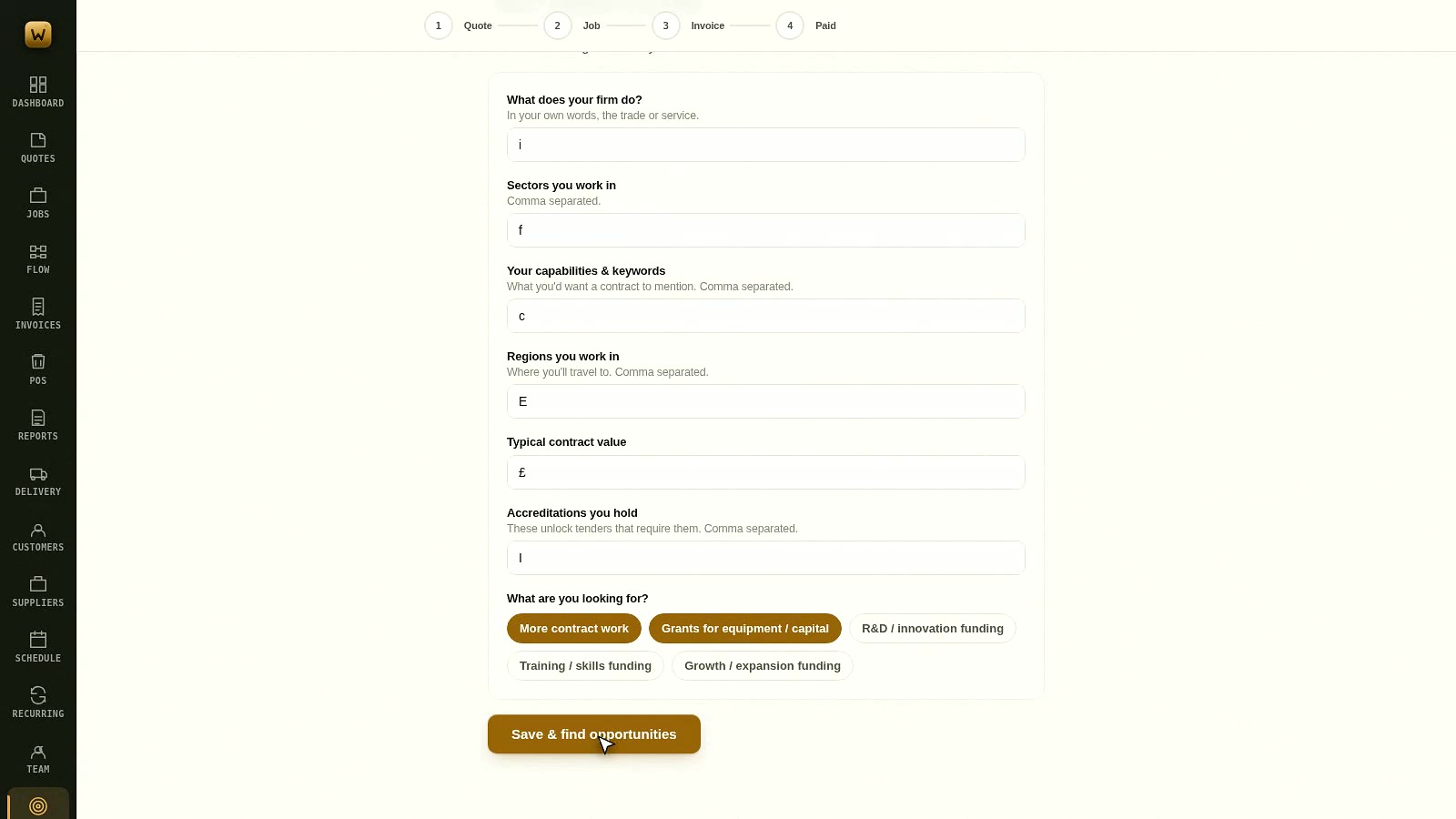
Finding work you could bid for
Public tenders and grant schemes scanned against a profile of what you actually do, scored, and cut down to a shortlis…
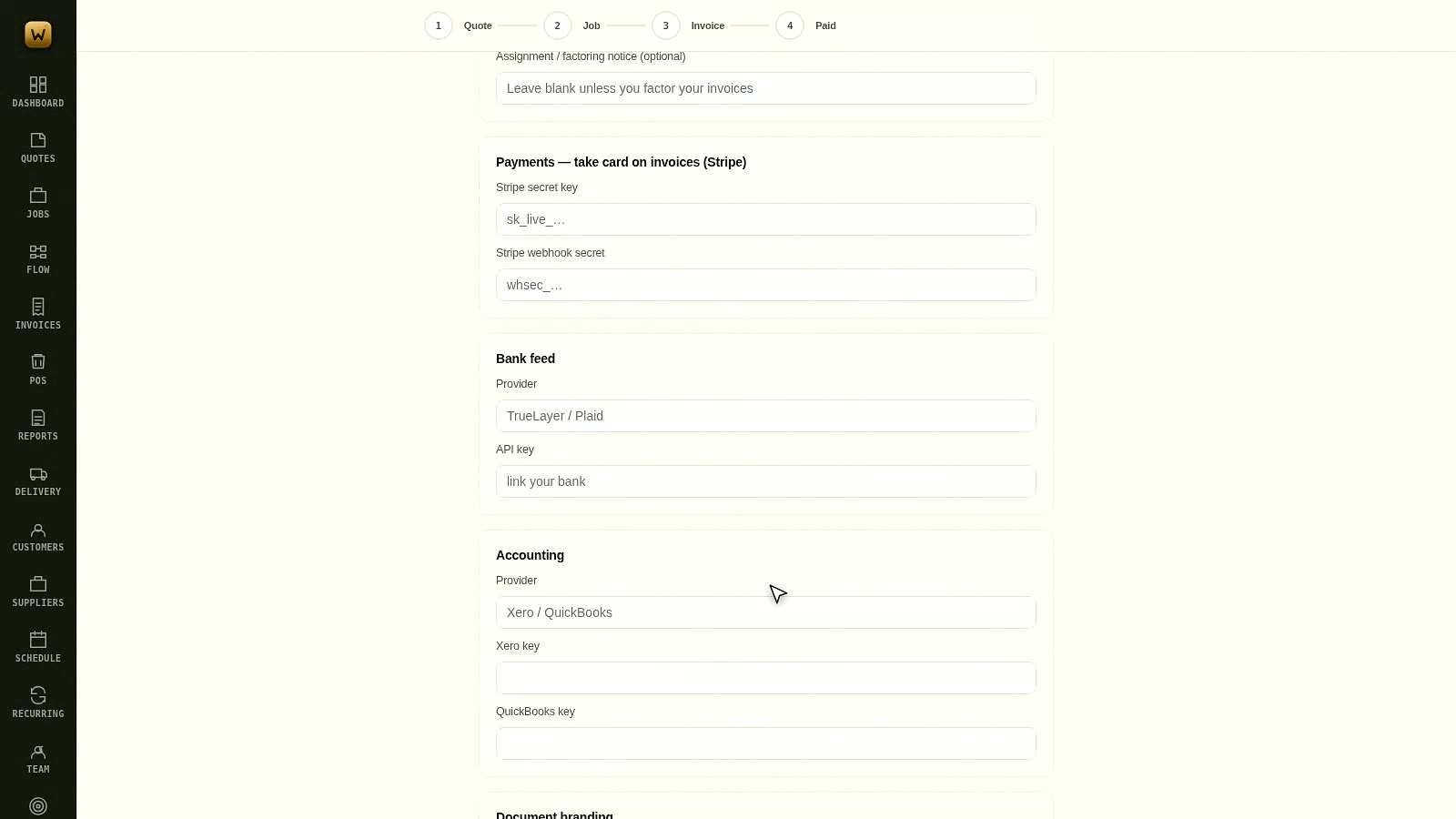
Connecting Stripe, Xero and QuickBooks
Worklot is not trying to replace your accountant's software. It feeds it, and card payments go straight into your own …
The best way to see it is to use it
Free for 14 days, no card needed, and your data stays yours.
Start your free trial